React Server Components in Production: What We Learned
The Migration
We migrated a 200-component React SPA to Next.js App Router with React Server Components. Here's the honest truth about how it went.
The Wins
Bundle size dropped 40%. By moving data fetching and heavy logic to the server, our client bundle went from 380KB to 228KB gzipped.
Time to First Byte improved 60%. Server-rendered HTML streams to the client immediately. No more loading spinners for initial content.
Simplified data fetching. No more useEffect + useState + loading state + error state. Just async/await in your component.
The Challenges
Mental model shift. The biggest challenge wasn't technical — it was getting the team to think in terms of server vs. client boundaries.
Third-party library compatibility. Many React libraries assume a client-only environment. We had to wrap several with 'use client' boundaries.
Debugging is harder. When something goes wrong, you need to think about whether the error is on the server or client.
Our Approach
We followed a gradual migration strategy:
- Start with leaf components (no children)
- Move data-fetching components to server
- Push 'use client' boundaries as far down as possible
- Optimize with Suspense boundaries for streaming
Performance Results
| Metric | Before | After |
|---|---|---|
| LCP | 3.2s | 1.1s |
| FID | 120ms | 45ms |
| CLS | 0.15 | 0.02 |
| Bundle | 380KB | 228KB |
Server Components aren't a silver bullet, but for content-heavy applications with lots of data fetching, the benefits are substantial.
Related Projects
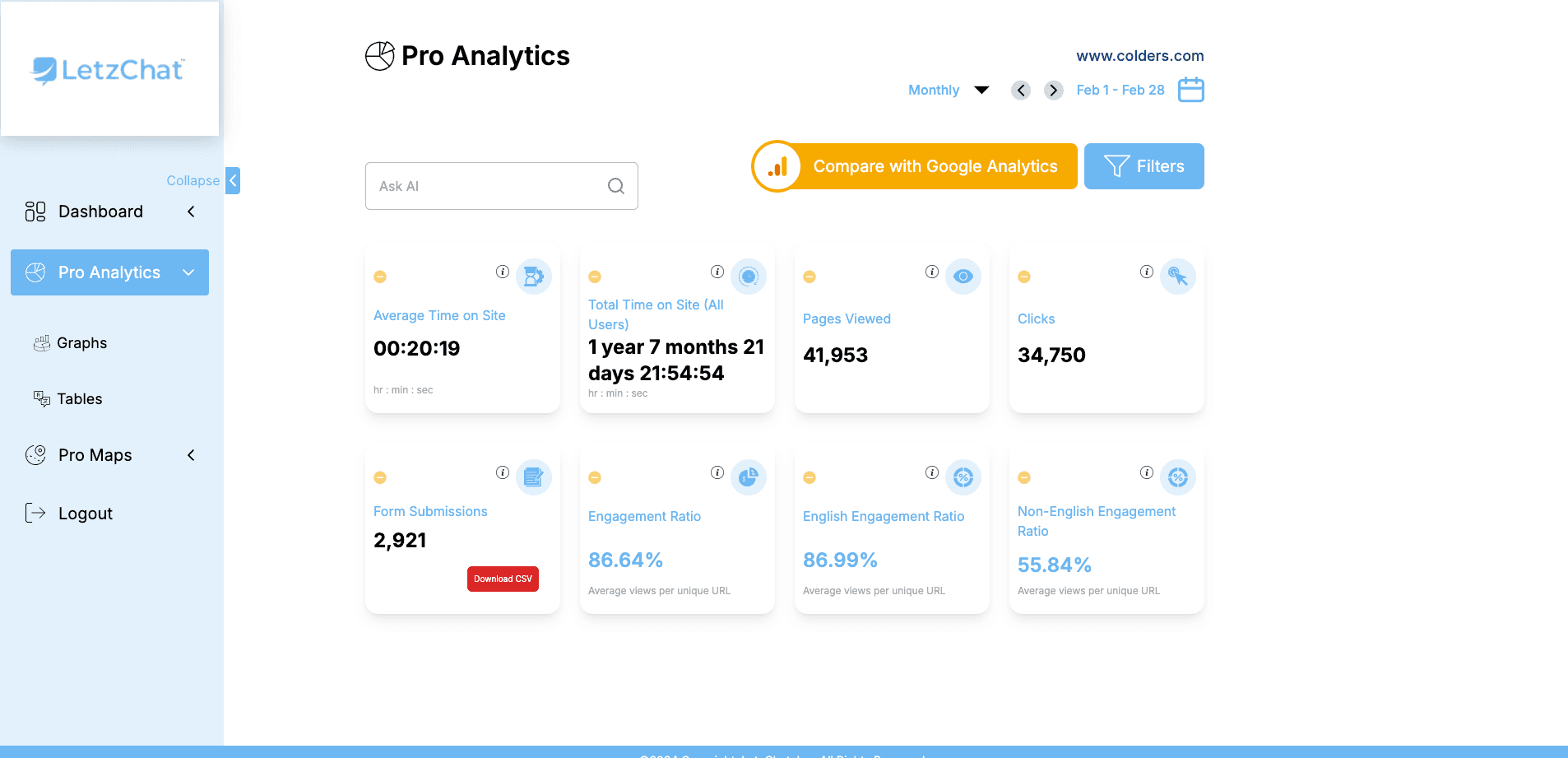
LetzChat – Enterprise Multilingual Translation & Communication Platform
Complete enterprise translation ecosystem — featuring real-time analytics (300M+ events/month), AI-powered chat, voice/video dubbing, live call translation, podcast/Zoom integration, glossary management, subtitle generation, and comprehensive analytics — breaking language barriers across all communication channels.
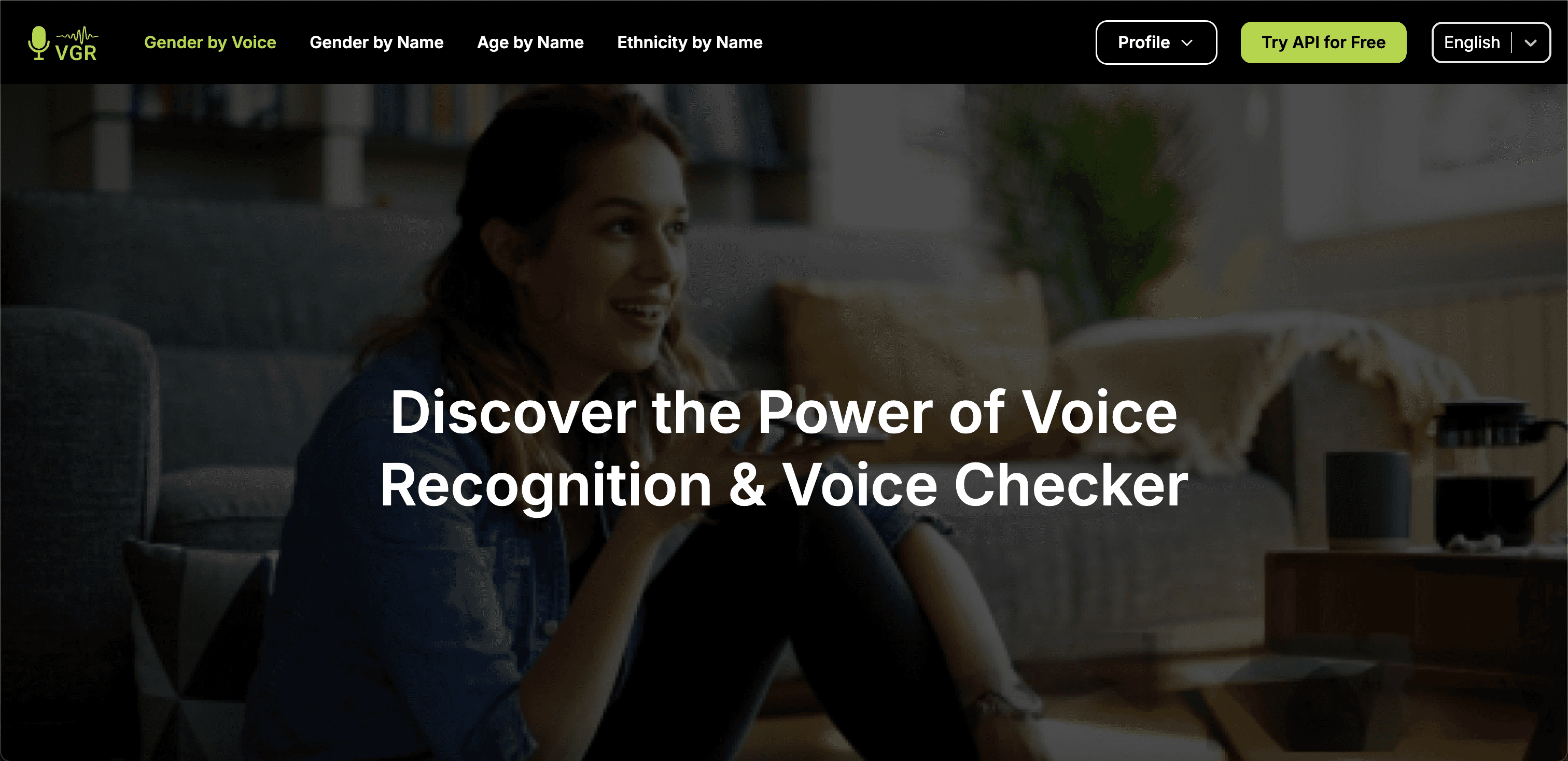
GenderRecognition.com: AI-Driven Gender Detection Solutions
State-of-the-art AI-powered gender detection platform processing images, videos, text, and voice data in real-time — built with privacy compliance, bias mitigation, and enterprise-level scalability. Includes comprehensive admin panel managing 2,800+ users and 33,000+ API calls.
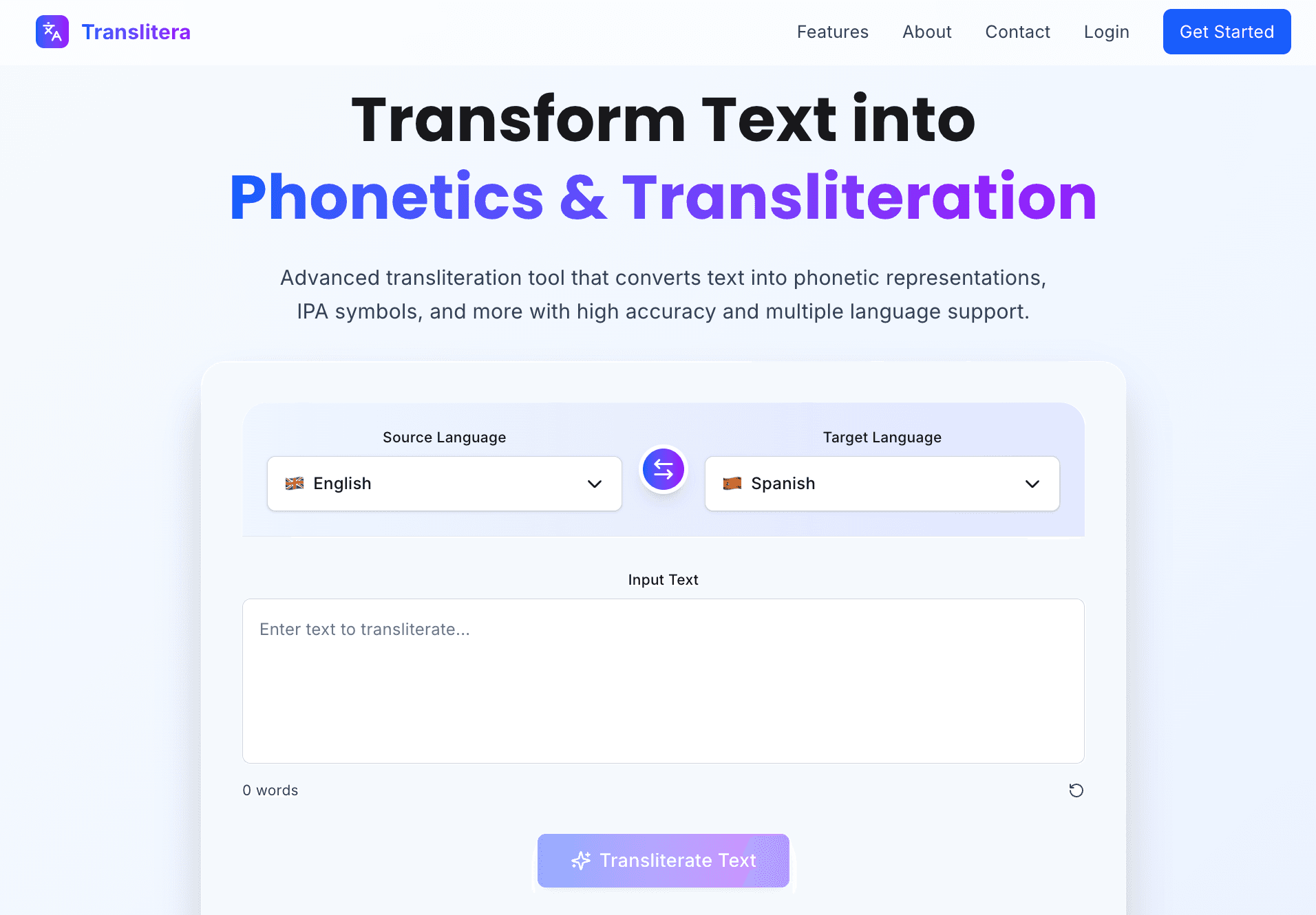
Translitera - Text Transliteration & Phonetics SaaS
SaaS web application for real-time text transliteration and phonetic conversion with dual output (Phonetic + Transliteration), multi-language support, and secure authentication.
Related Articles
GenderRecognition.com: AI-Driven Gender Detection for Smarter Insights
Building a state-of-the-art AI platform that provides accurate, scalable, and privacy-compliant gender recognition solutions across multiple industries using deep learning, computer vision, and multi-modal AI.
Top Technologies I Use and Why
A practical look at the core technologies I use most often and how each one contributes to building scalable, production-grade systems.
GPTTranslator.co: Seamless Multilingual Translation Powered by AI
A case study on GPTTranslator.co, an AI translation platform built with Node.js and React that delivers context-aware multilingual translation, file-format preservation, and scalable API automation.